
Structure that survives growth
Identity systems rarely fail on day one. They fail in year three, when nobody can say who has access to what and why. BlackWall gives you an explicit hierarchy — organisations, projects, named privilege rungs — and makes every change to it visible, reversible and reviewable.
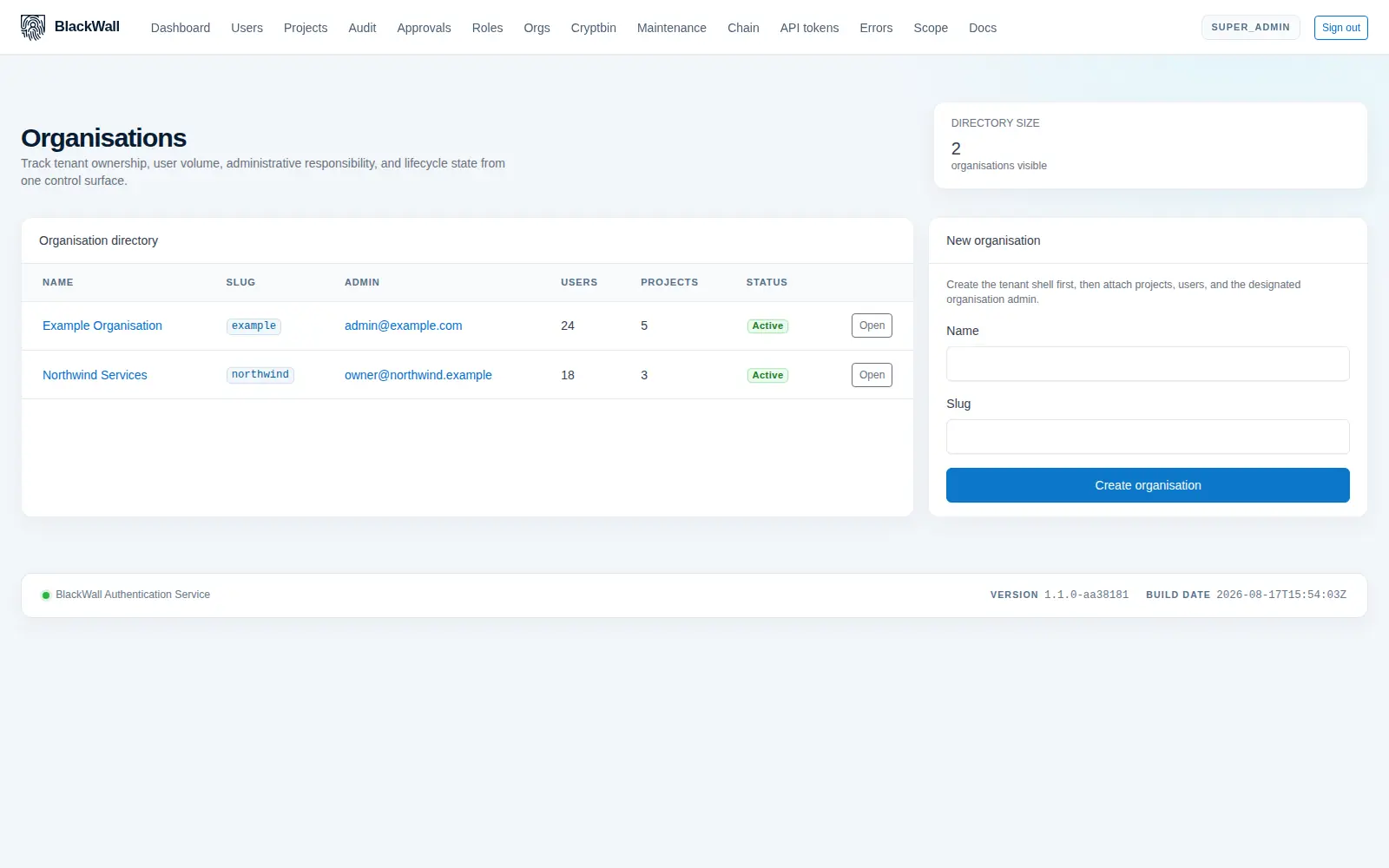
Organisations and projects, isolated by default
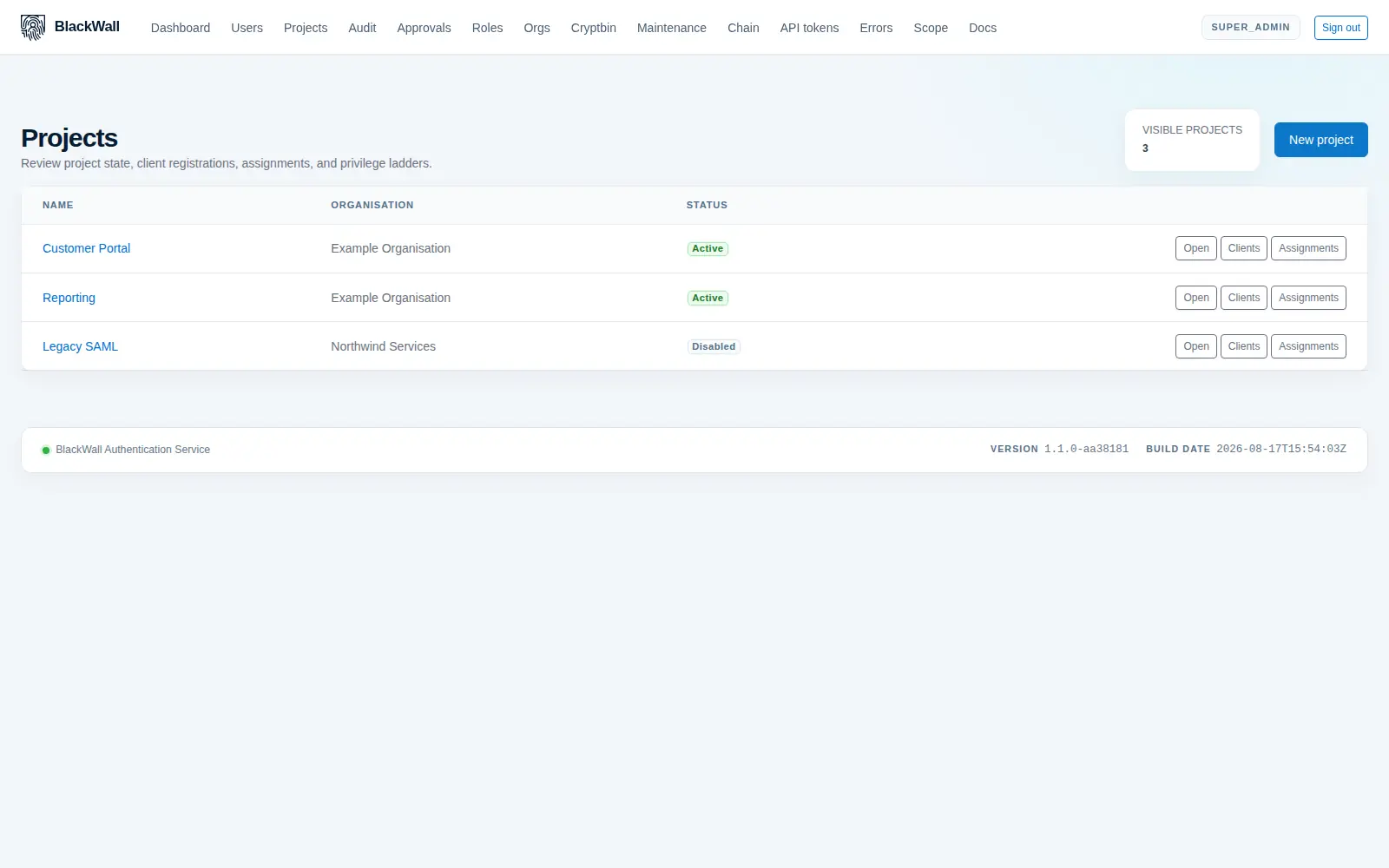
An organisation is a tenant. A project is a product or environment inside it. Users, OAuth clients, licences, webhooks and audit rows all hang off a project, so isolation is the default rather than something you remember to configure.
- Scoped operators — an administrator can be limited to the projects they are responsible for and sees nothing else.
- Project context in tokens — every issued token records which project it belongs to.
- Disable without deleting — projects and users can be suspended, preserving the audit history.
- Self-service signup — new organisations can provision themselves and onboard their first administrator.
Privilege that travels with the token
Every project defines its own ordered privilege rungs — up to ten — and lower numbers always carry more authority. The level and its name are embedded in the access token, so your services authorise from a claim instead of calling back for a permissions lookup.
| Level | Default name | Convention |
|---|---|---|
| 1 | Owner | Project lifecycle decisions. |
| 2 | Administrator | Full operations within the project. |
| 3 | Editor | Routine writes. |
| 4 | Member | Read with limited write. |
| 5 | Viewer | Read-only. |
Rename or add rungs to match how your business actually talks about access — the ordering invariant is what the platform enforces.
A second pair of eyes, enforced
Sensitive changes should not depend on one person having a good day. When an operator lacks the direct capability for a mutation, BlackWall stores the proposed change instead of applying it, and waits for a decision.
-
The change is captured, not applied
The full proposed change is persisted as a pending approval request. Nothing has taken effect yet.
-
A reviewer decides
Someone holding the decision capability approves or rejects, recording a short reason the requester can act on and longer context for anyone reviewing later.
-
The decision is audited
Approval and denial are written to the audit log as distinct events, attributable to the individual who made the call.
-
Latency is measured
The dashboard reports decision counts, median and 95th-percentile latency, and flags requests left pending beyond your warning threshold.
Per-project control, without forks
Feature flags let one tenant adopt a capability without changing behaviour for anyone else.
Server-backed sessions
Record each authenticated session so it can be listed and revoked centrally, rather than waiting for a token to expire.
Concurrent session caps
Limit a user to a fixed number of parallel sessions per project. A login beyond the cap revokes the oldest session first.
Custom branding
Apply an organisation's branding overlay to the login screens served for a project, on your own domain.
Outbound webhooks
Gate event delivery per project. Endpoints can be registered while the flag is off and nothing is dispatched until you turn it on.