
There is no password to steal
Most breaches start with a credential someone else can type. BlackWall removes the category entirely: there is no password field, no password column, no reset flow and no shared secret that can be phished, reused or leaked in someone else's data breach.
Authentication is a cryptographic proof, not a secret
Every sign-in is a WebAuthn assertion signed by a private key that never leaves the user's device. The server stores only a public key. Even a full database compromise yields nothing an attacker can sign in with.
- Hardware security keys — YubiKey and any FIDO2 authenticator.
- Platform authenticators — Touch ID, Face ID and Windows Hello.
- Passkeys — synced across a user's own device ecosystem.
- Origin-bound by design — an assertion for your domain is worthless on a look-alike phishing domain.
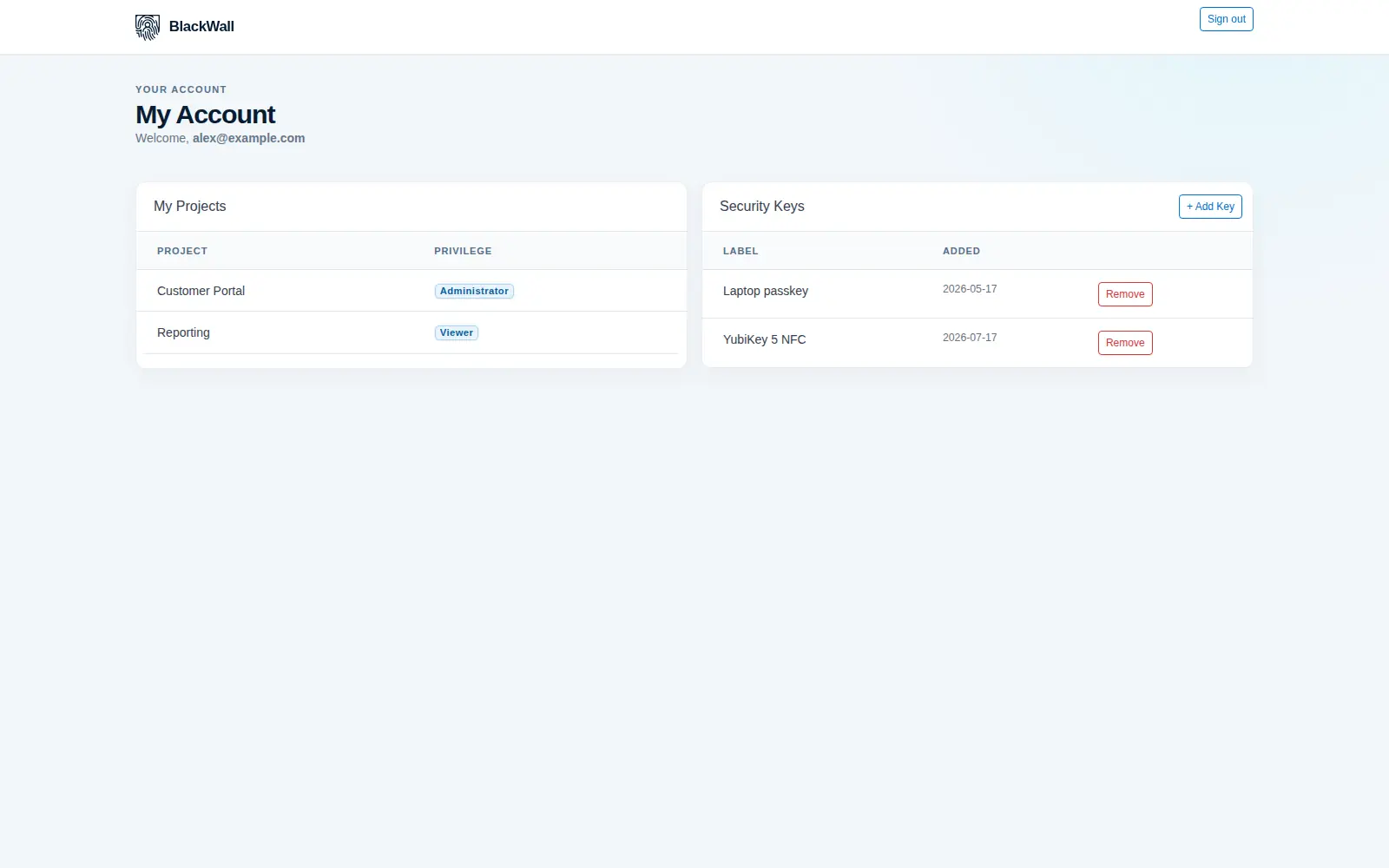
Enrolment without a shared secret
A new user never receives a temporary password, because there is nothing to send. They are created as a profile, then follow a one-time link to bind their first authenticator.
-
Create the profile
An administrator creates the user against an organisation. No credential exists yet, so there is no window in which a weak default password is valid.
-
Send a one-time enrolment link
The link is single-use and time-bound. It authorises exactly one action: registering a first authenticator.
-
The user binds a device
The browser generates a key pair inside the authenticator. The private key never leaves it; BlackWall receives only the public key.
-
They add a backup
From the portal, users register additional keys — a hardware key for the safe, a passkey for daily use — and remove any that are lost.
Lifecycle an administrator can actually see
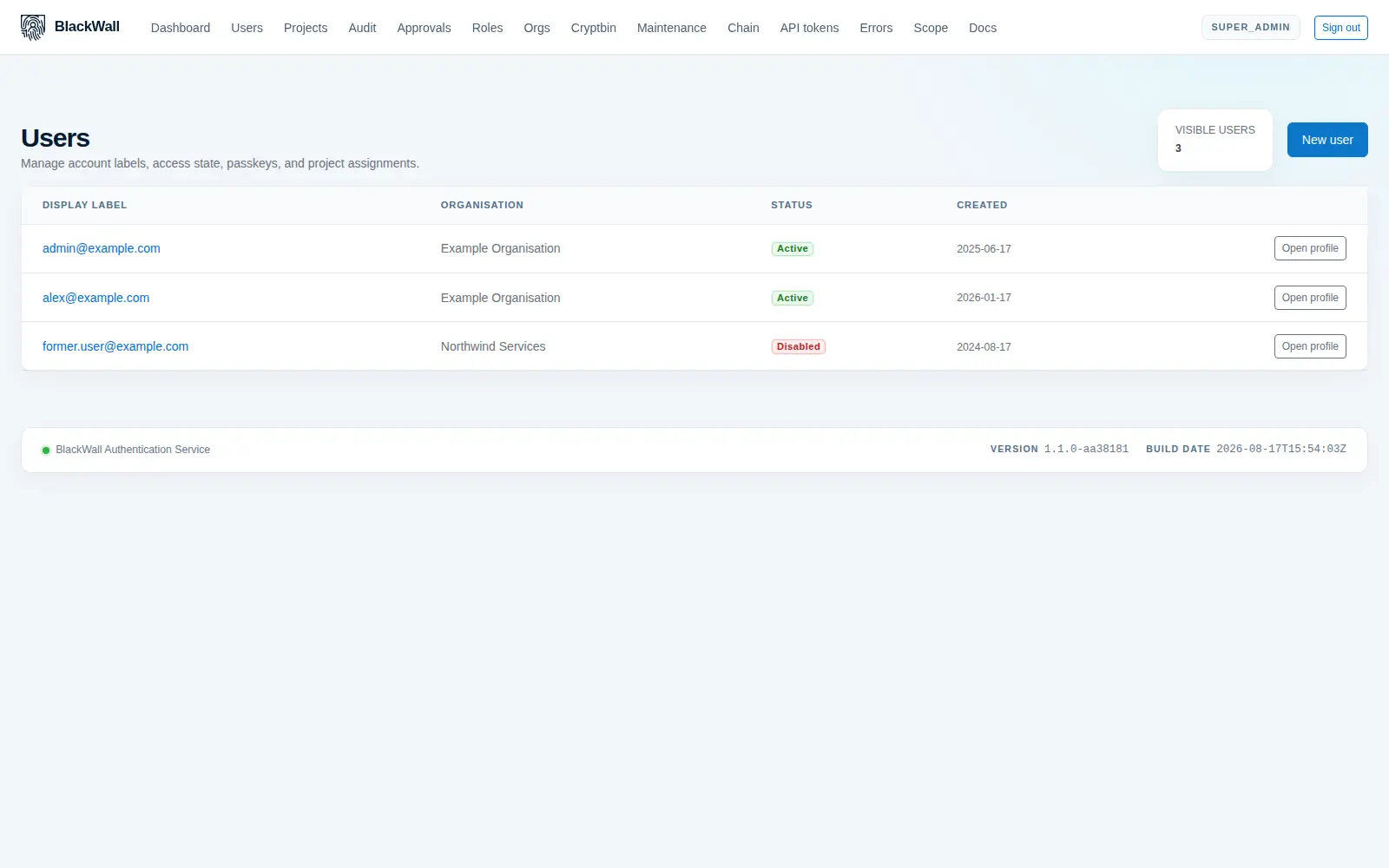
Users belong to an organisation and are assigned into projects at a named privilege level. Disabling someone is one action with immediate, visible effect — not a hunt through six systems.
- Per-credential revocation — remove a single lost key without disturbing the user's other authenticators.
- Server-backed sessions — when enabled, active sessions are listed and can be revoked centrally.
- Concurrent session caps — limit a user to N parallel sessions per project; the oldest is revoked first.
- Every step audited — enrolment, assertion, failure and revocation all reach the audit log.
What disappears with the password
| Attack or cost | Password-based login | BlackWall |
|---|---|---|
| Phishing a credential | Works — a convincing page collects it. | Assertions are bound to your origin and useless elsewhere. |
| Credential stuffing | Works wherever a password was reused. | No shared secret exists to reuse. |
| Database breach | Yields hashes to crack offline. | Yields public keys, which sign nothing. |
| Password reset support | A recurring helpdesk cost and a social-engineering path. | Users self-serve authenticators from the portal. |
| Rotation policies | Expiry rules that push users toward weaker patterns. | Nothing to rotate. |